Quick Start
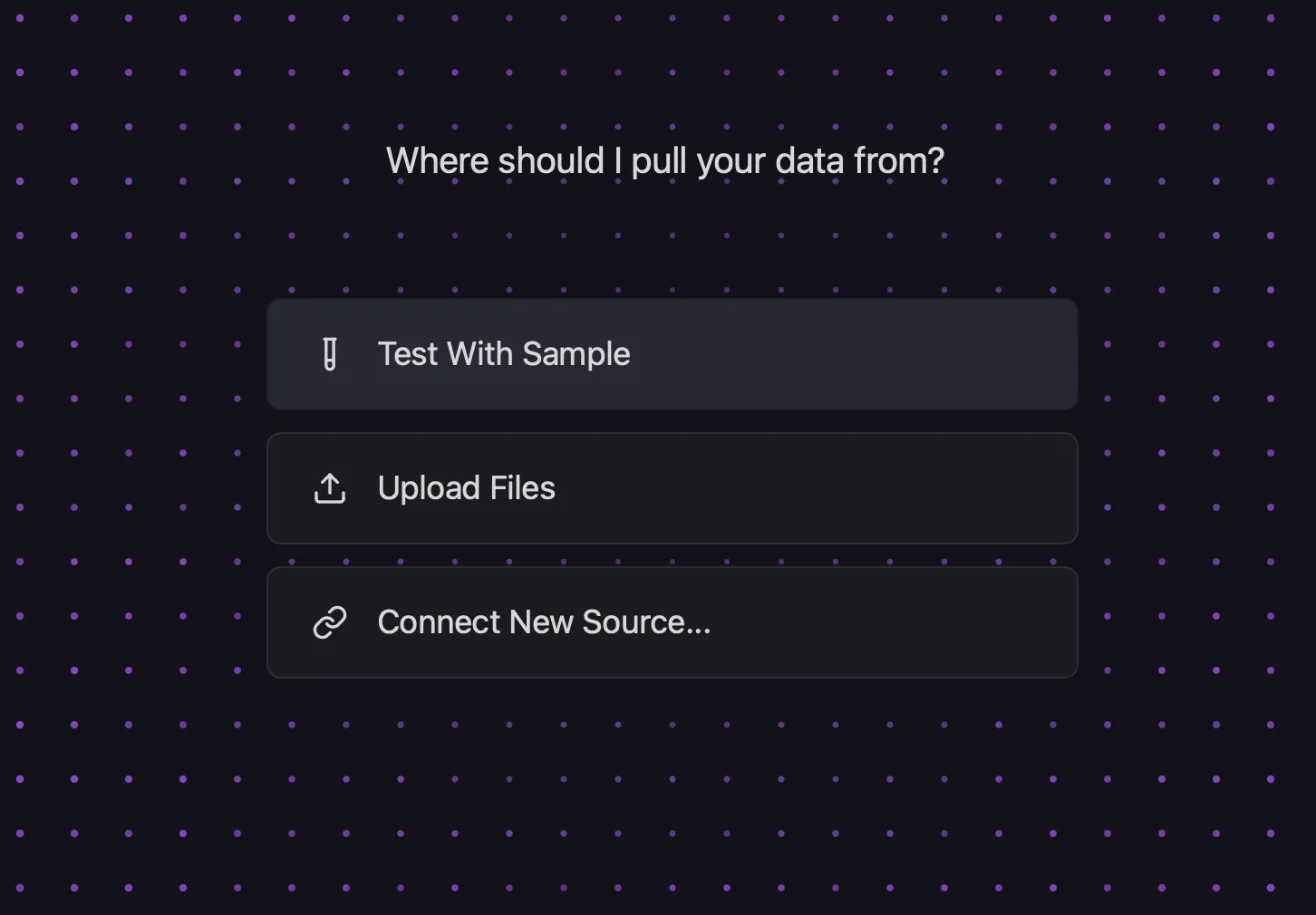
Once you have downloaded the application and launched it, select “Test with Sample” and choose one of the built-in data sets.
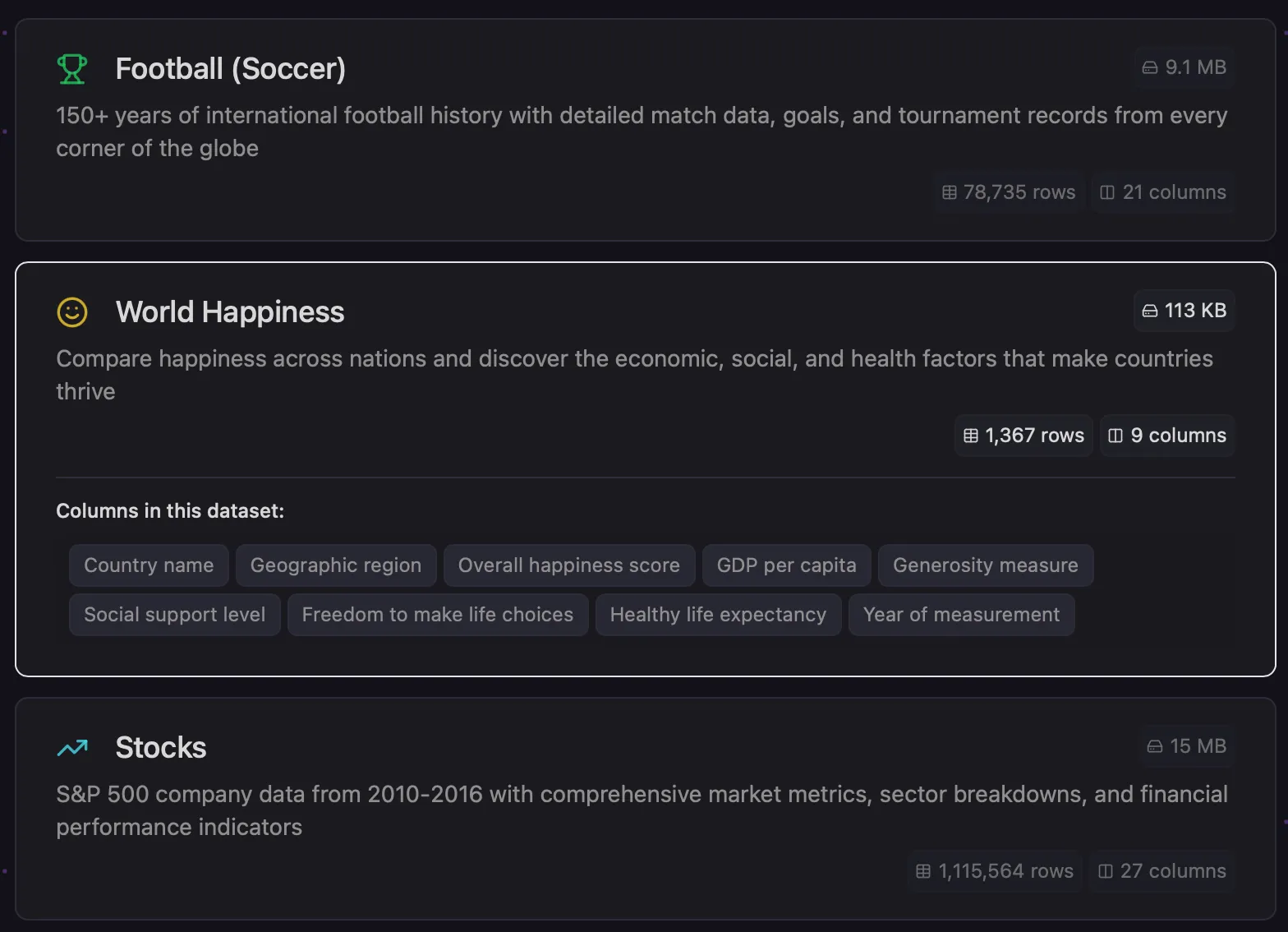
Once the data set loads, you will see a screen like this.
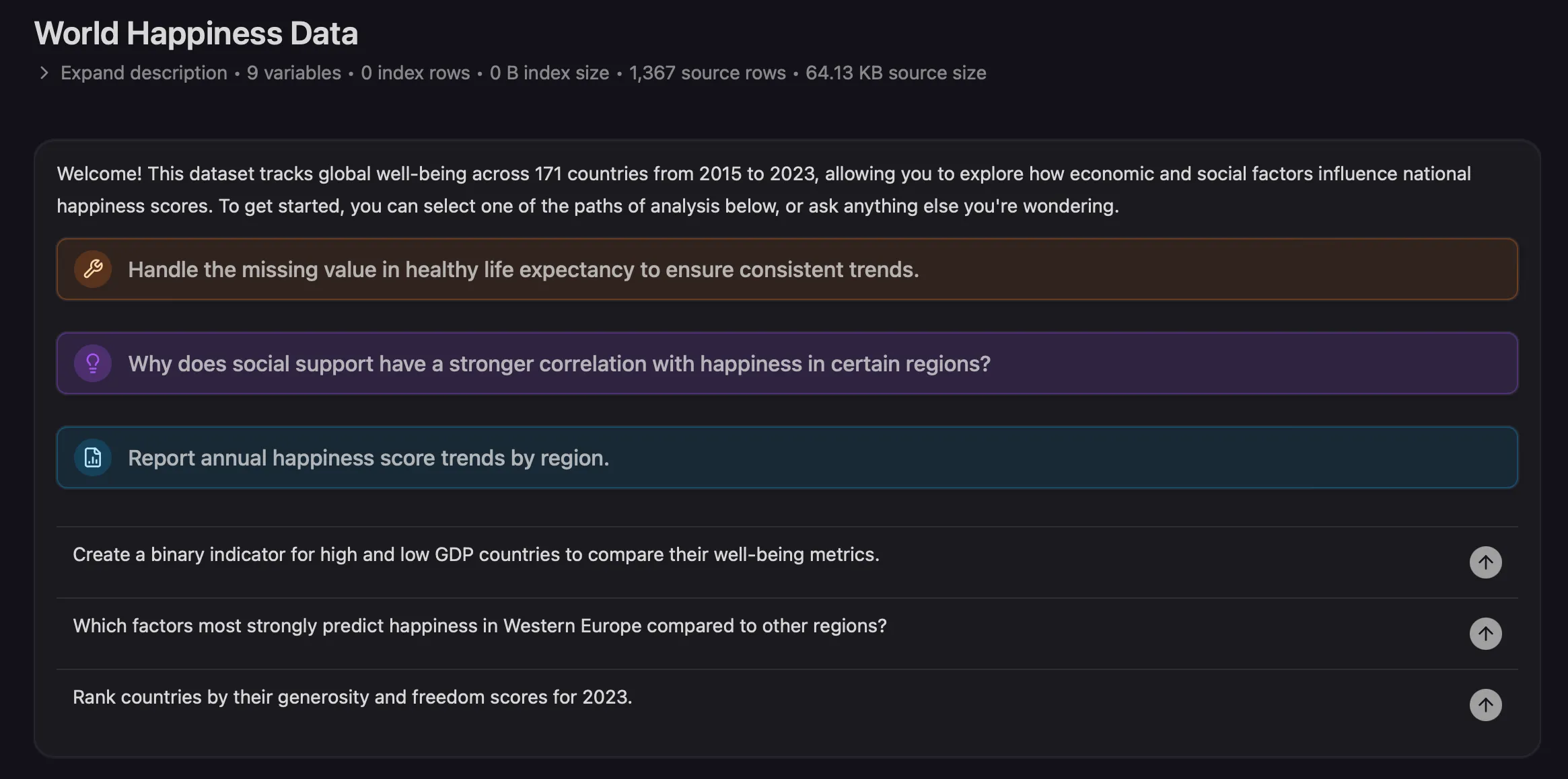
The Probably agent now has an understanding of the nature of your data.
To get you started, it is offering to:
- Fix problems that it finds in the data.
- Investigate interesting ideas.
- Give you useful reports.
It is always looking for questions that might be worth answering or useful metrics you might want to create.
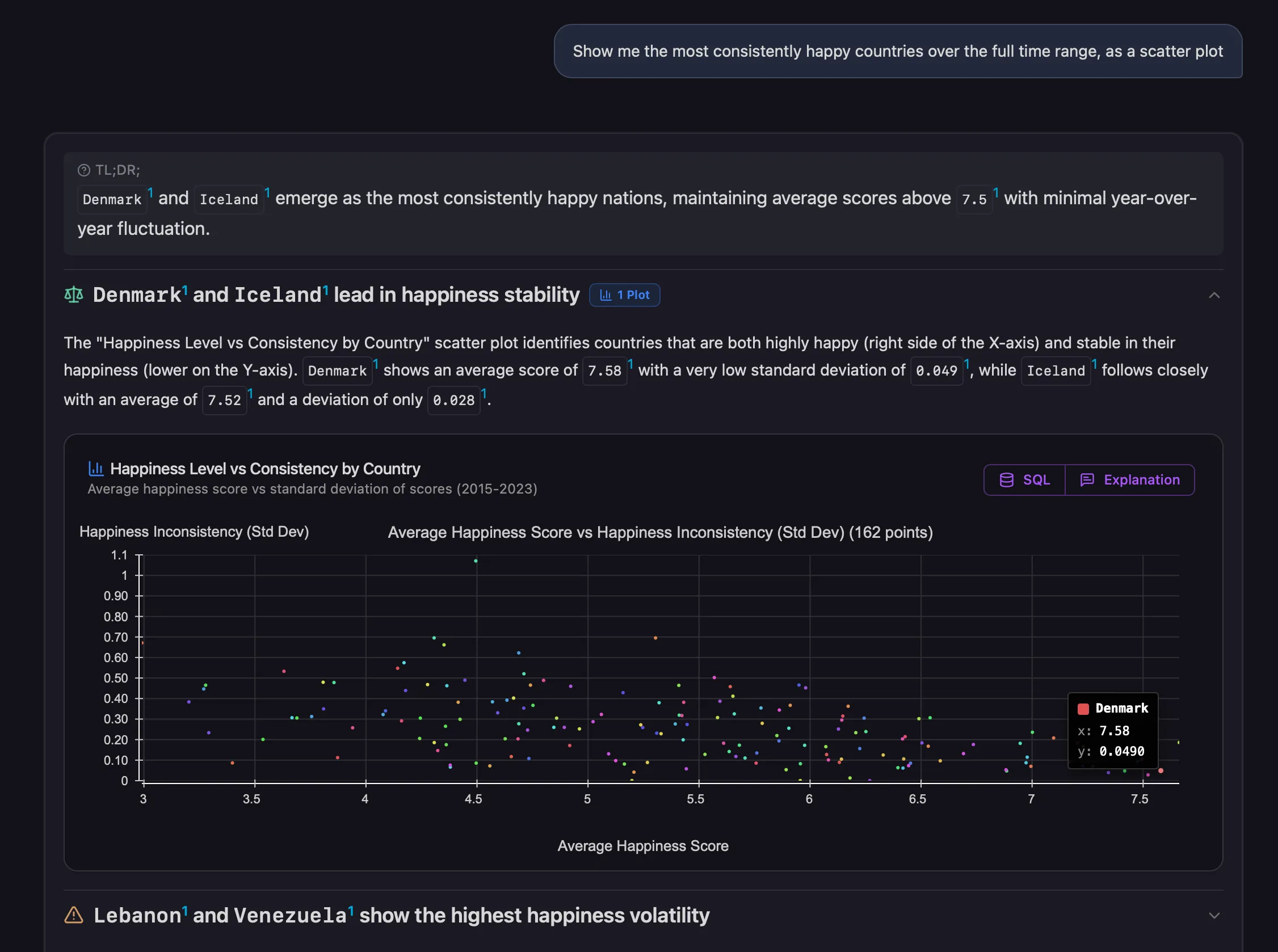
Let’s take a look at that first recommended report.
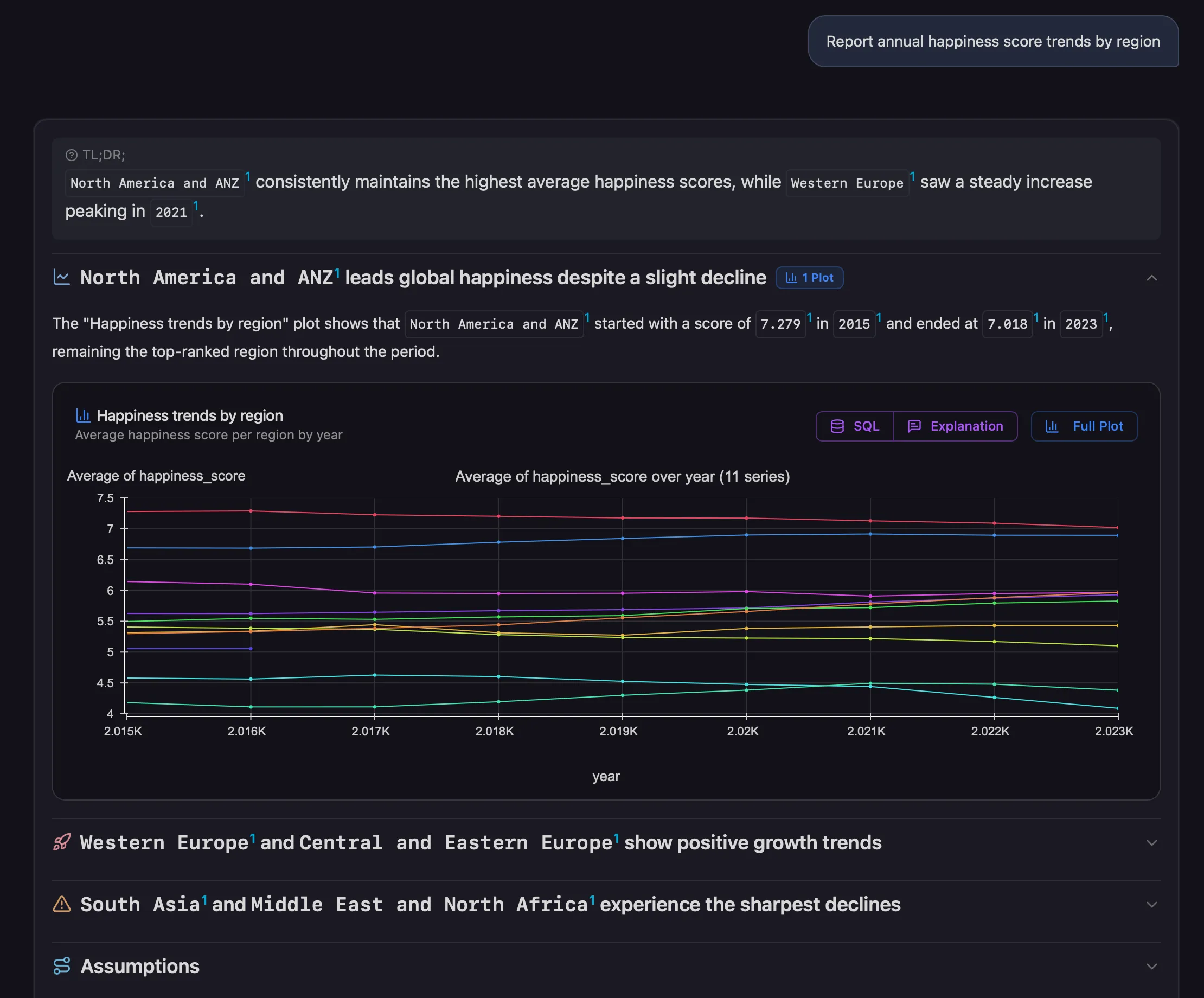
Cool, right? The agent will always call out the most important observation right at the top so you can quickly zero in on what it concluded.
Critically, it includes all the supporting evidence, context, and everything you need to understand the why behind the why.
It will usually include at least one visual supporting artifact and then a series of key callouts.
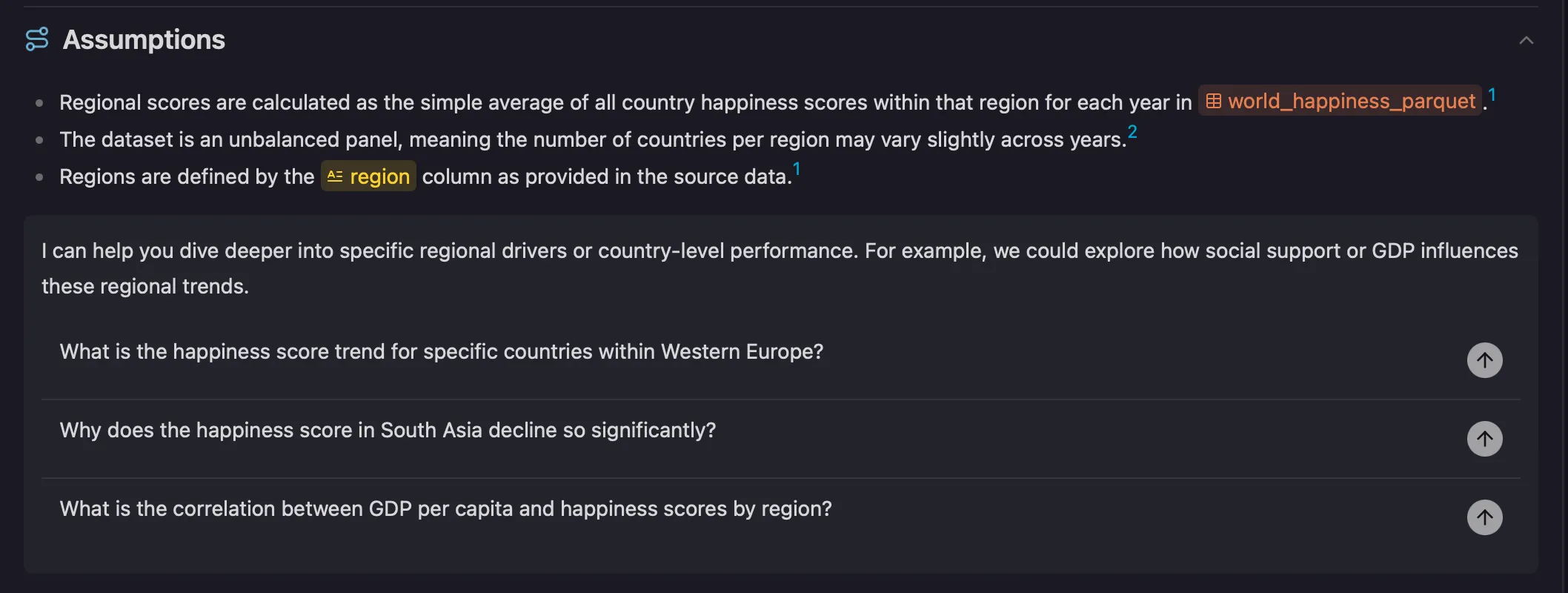
For critical analyses, pay close attention to the assumptions section.
Any issues with the data or nuances in the analysis will be clearly detailed here. This is so you can understand exactly what the agent did and take action if necessary.
Finally if you’re ready to dive into your own data, upload any files or connect any databases and kick off whatever investigations you want.
Set the data agent loose.
There are no limits to what you will discover.
We’ll leave you with one more example. Happy data hunting!